IN999 Login Problem Fix – OTP Not Received, App Not Opening, Password Issues
Many users face login problems on IN999, such as OTP not received, app not opening, or incorrect password errors. These issues are common and can usually be fixed easily by following the correct steps.
This guide explains all common IN999 login problems and their solutions in simple language so that anyone can understand and resolve them quickly.
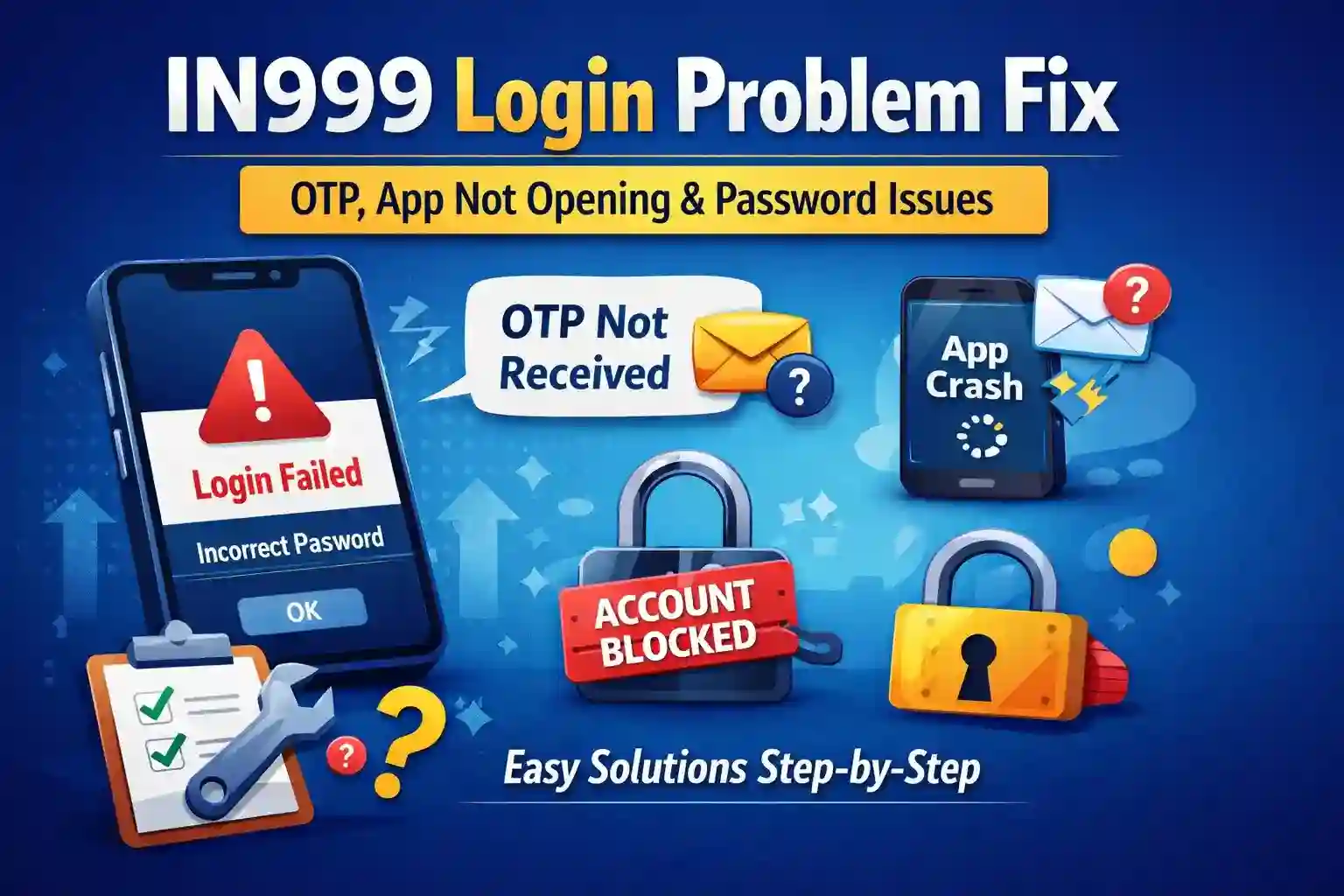
Common IN999 Login Problems
Users may experience the following issues while trying to log in:
- OTP not received
- IN999 app not opening or crashing
- Incorrect password error
- Account temporarily blocked
- Login page not loading
Below are step-by-step solutions for each problem.
1. IN999 OTP Not Received – How to Fix
OTP issues are the most common login-related problem.
Possible Reasons
- Weak mobile network
- Do Not Disturb (DND) enabled
- Incorrect mobile number entered
- SMS inbox full
- Multiple OTP requests in a short time
Solutions
- Check your mobile network and ensure 4G or 5G is active
- Turn Airplane mode on and off
- Clear your SMS inbox
- Disable DND services
- Click “Resend OTP” after waiting at least 30 seconds
- Make sure you are using the registered mobile number
Tip: If OTP does not arrive within 5 to 10 minutes, wait for some time before trying again. Avoid requesting OTP repeatedly.
2. IN999 App Not Opening or White Screen Issue
If the IN999 app does not open or shows a blank or white screen, follow the steps below.
Common Causes
- Outdated app version
- Corrupted cache files
- Low phone storage
- Internet connection problems
Fix Steps
- Restart your mobile phone
- Clear the app cache
- Go to Settings → Apps → IN999 → Clear Cache
- Download and install the latest IN999 app version
- Ensure at least 500 MB of free storage on your phone
- Turn off VPN services
If you are using a browser instead of the app, clear the browser cache or try a different browser.
3. IN999 Incorrect Password Problem
If you see an “Incorrect Password” message, you can easily reset your password.
How to Reset Password
- Click on “Forgot Password” on the login page
- Enter your registered mobile number
- Verify the OTP
- Set a new strong password
Strong Password Tips
- Minimum 8 characters
- At least one uppercase letter
- At least one number
- At least one special character
Avoid using simple passwords such as 123456 or your date of birth.
4. IN999 Account Temporarily Blocked
An account may be temporarily blocked if the wrong OTP or password is entered multiple times.
What You Should Do
- Wait for 24 hours before attempting to log in again
- Use the same device and internet network when trying again
- Contact IN999 customer support if the issue continues
A temporary block does not mean your account has been permanently banned.
5. IN999 Login Page Not Loading
If the IN999 login page or website does not load properly, try the following:
- Update your web browser
- Clear browser cache and cookies
- Try a different browser such as Chrome, Edge, or Brave
- Use mobile data instead of Wi-Fi
Safe Login Tips
- Always log in using the official IN999 website or app
- Never share your OTP or password with anyone
- Avoid logging in on public or shared Wi-Fi networks
- Change your password regularly for better security
Frequently Asked Questions
How long does it take to receive the OTP?
OTP usually arrives within 10 to 30 seconds.
Can I create more than one account using the same mobile number?
No, only one account is allowed per mobile number.
How can I contact IN999 customer support?
You can contact support through the official help or support options available on the IN999 platform.
Final Words
IN999 login problems are common but easy to resolve. By following the steps in this guide, you can fix OTP issues, app opening problems, and password errors without difficulty.
Always follow safe login practices and play responsibly.